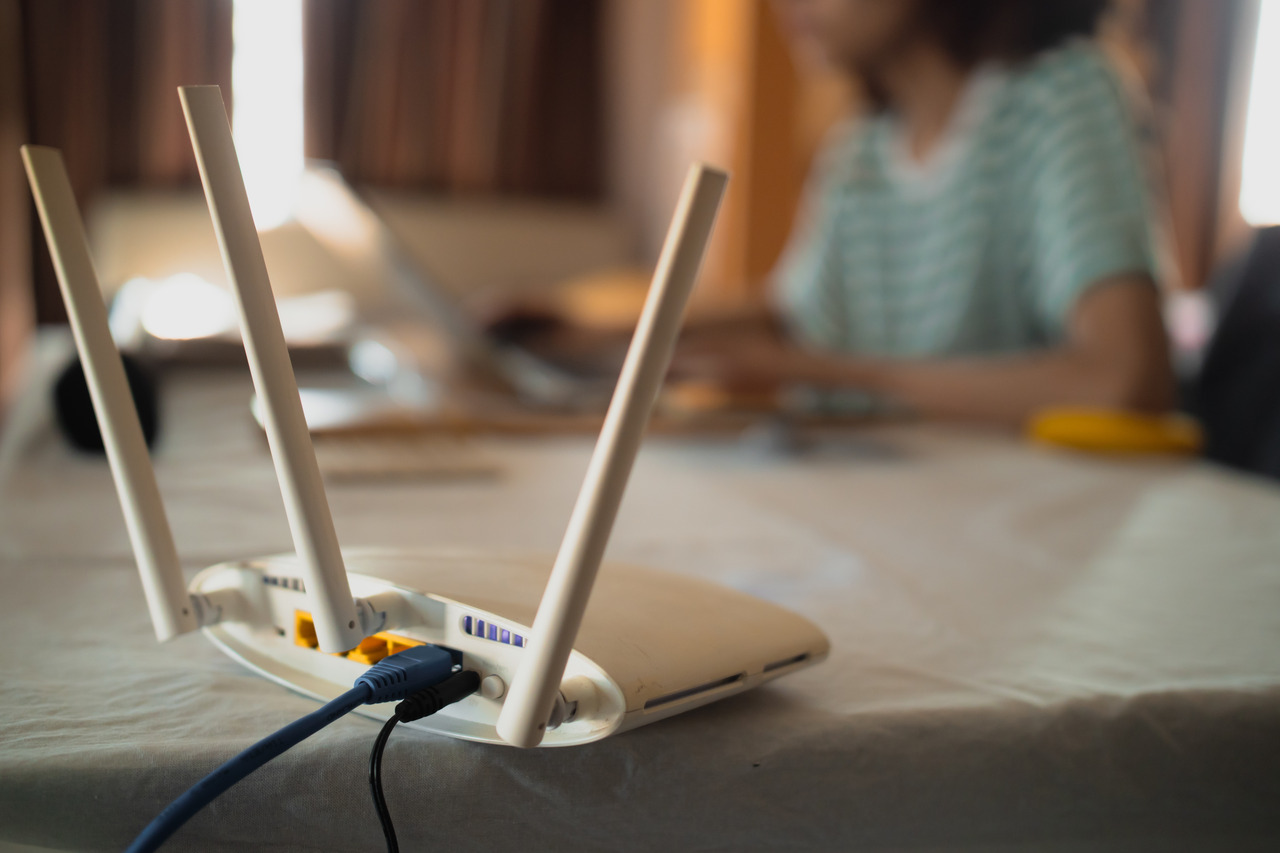
In today’s hyper-connected world, a sluggish Wi-Fi connection is more than a minor annoyance—it can derail remote work, streaming marathons, and even everyday browsing. If you’ve ever felt like you spend more time buffering than enjoying your content, you’re not alone. This article explores the top culprits behind slow Wi-Fi—from interference and outdated hardware to an overload of smart devices—and offers practical tips for boosting your speeds. If you’re looking for expert guidance in the San Diego area, explore smart home networking solutions to keep your internet running smoothly.
What’s Causing Your Slow Wi-Fi?
Several factors can affect your Wi-Fi speed. Understanding these can help you diagnose the issue:
Signal Interference and Range Limitations
Wi-Fi signals are transmitted via radio waves, which can be easily disrupted. Household items such as microwaves, cordless phones, and even thick walls can interfere with signal strength. If your router is tucked away in a corner or hidden behind furniture, the signal may weaken before reaching your devices. Ensuring that your router is centrally located in an open space is often the first step toward boosting performance.
Network Congestion
In today’s smart homes, numerous devices—from smartphones and laptops to smart TVs and IoT gadgets—compete for bandwidth. When many devices connect simultaneously, the available speed divides among them, resulting in a slower connection for each device. This issue is especially pronounced during peak usage times or in households with many connected devices.
Outdated Equipment
Older routers and network devices might not support modern standards or the faster speeds your ISP provides. Firmware that hasn’t been updated can also cause inefficiencies. Upgrading to a newer router with the latest technology can make a significant difference in performance.
ISP Limitations
Sometimes, the root cause isn’t your home setup at all. The speed you experience is also dictated by the plan offered by your internet service provider (ISP). Even with perfect equipment and setup, if your plan has low bandwidth limits or your ISP is experiencing issues, your Wi-Fi can slow down unexpectedly.
Impact of Smart Home Devices
Smart home devices have transformed how we live, offering conveniences from automated lighting to remote security monitoring. However, these devices can also strain your network if not managed properly. When dozens of devices are constantly communicating with your router, they may overwhelm the available bandwidth, causing slowdowns.
Group routine updates for off-peak hours, and ensure devices are configured to use only the bandwidth they need. If you’re in the San Diego area, AnyTechSD specializes in setting up robust smart home networks that minimize congestion. For more information on professional IT support and network optimization, visit this page.
Diagnosing the Problem: A Step-by-Step Approach
When your Wi-Fi is slow, a systematic approach can help pinpoint the cause and guide you to a solution:
1. Run a Speed Test
Begin by using an online speed test to compare your actual download and upload speeds with what your ISP promises. If there’s a significant discrepancy, it may indicate an issue with your network setup or ISP service quality.
2. Analyze Device Performance
Determine if the slow speeds are affecting every device or just one. If a single device is lagging, the problem might be with its network adapter, outdated drivers, or even malware consuming bandwidth. Ensure all your devices are updated and free of background programs that might hog internet resources.
3. Evaluate Router Placement
Consider where your router is located. Walls, floors, and even nearby electronic devices can block or weaken signals. Ideally, place your router in a central, elevated location. If certain areas of your home still experience weak signals, think about adding a Wi-Fi extender or upgrading to a mesh network system for better coverage.
4. Check for Interference
Identify potential sources of interference. For example, if you live in an apartment with many competing Wi-Fi networks, overlapping channels can cause congestion. Access your router settings to change the channel or frequency band (2.4 GHz versus 5 GHz) to reduce interference.
Practical Tips to Boost Wi-Fi Speed
Improving your Wi-Fi speed can often be achieved through a combination of minor adjustments and strategic upgrades:
Optimize Your Router Settings
Access your router’s admin panel and adjust settings to improve performance. Changing channels to avoid overlap with neighbors, enabling Quality of Service (QoS) settings to prioritize important traffic, and updating firmware regularly can all contribute to a smoother connection.
Upgrade Your Hardware
If your router is several years old, it might be time for an upgrade. Newer routers support advanced features such as dual-band connectivity and improved range. For larger homes, a mesh network can offer more consistent coverage than a single router.
Manage Connected Devices
Limit the number of devices connected to your network, especially during high-demand periods. Disconnect devices that aren’t in use and set up guest networks to keep your primary bandwidth free for essential tasks. Smart home devices can often be scheduled to update or sync during off-peak hours to minimize congestion.
Secure Your Network
A secure network not only protects your data but also ensures that unauthorized users don’t drain your bandwidth. Use strong, unique passwords and enable the latest encryption standards available for your router. Regularly review connected devices to ensure there are no intruders.
Consider Professional Support
Sometimes, optimizing your network requires a deeper dive than simple adjustments. Professional IT support can offer tailored solutions, from reconfiguring your network layout to recommending advanced hardware. If you’ve tried troubleshooting on your own without success, consider reaching out for expert help.
Looking Ahead: Is It Time for a Network Overhaul?
Even with careful management, your home network may eventually reach its limits. As technology evolves and more devices join your network, what once worked may no longer be sufficient. If you consistently experience slow speeds despite troubleshooting, it might be time to consider a complete network overhaul. Upgrading to newer equipment and a more advanced network design can future-proof your home against the increasing demands of modern connectivity.
Final Thoughts
A slow Wi-Fi connection is rarely due to a single issue. It’s often the result of several small problems—interference, outdated hardware, network congestion, or even ISP limitations—adding up to a frustrating experience. By understanding these factors and taking a systematic approach to troubleshooting, you can pinpoint the source of the slowdown and implement effective solutions.
From optimizing router settings and managing connected devices to considering a mesh network for larger homes, there are many strategies to boost your Wi-Fi speed. And remember, sometimes professional guidance is the best investment when self-help methods don’t yield the desired results.
With the right adjustments and upgrades, you can transform your slow, lagging Wi-Fi into a fast, reliable connection that supports all your digital needs. Whether it’s streaming, remote work, or simply browsing the web, a well-optimized network makes all the difference in ensuring smooth, uninterrupted connectivity.