
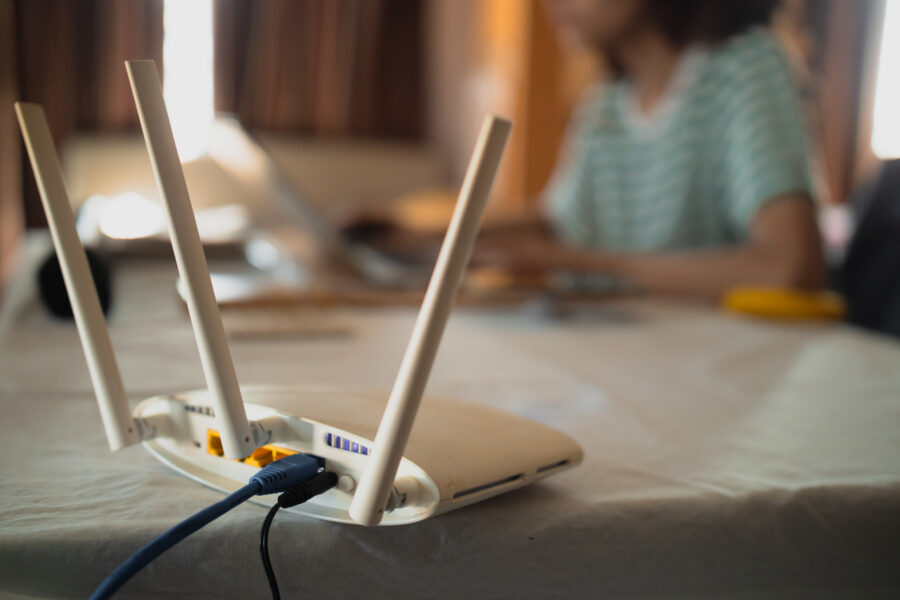
In today’s hyper-connected world, a sluggish Wi-Fi connection is more than a minor annoyance—it can derail remote work, streaming marathons, and even everyday browsing. If you’ve ever felt like you spend more time buffering than enjoying your content, you’re not alone. This article explores the top culprits behind slow Wi-Fi—from interference and outdated hardware to an overload of smart devices—and offers practical tips for boosting your speeds. If you’re looking for expert guidance in the San Diego area, explore smart home networking solutions to keep your internet running smoothly.
What’s Causing Your Slow Wi-Fi?
Several factors can affect your Wi-Fi speed. Understanding these can help you diagnose the issue:
Signal Interference and Range Limitations
Wi-Fi signals are transmitted via radio waves, which can be easily disrupted. Household items such as microwaves, cordless phones, and even thick walls can interfere with signal strength. If your router is tucked away in a corner or hidden behind furniture, the signal may weaken before reaching your devices. Ensuring that your router is centrally located in an open space is often the first step toward …